
Company laptops are locked down — personal phones and home computers accessing work email usually aren't. Here's the blind spot, and how to close it.
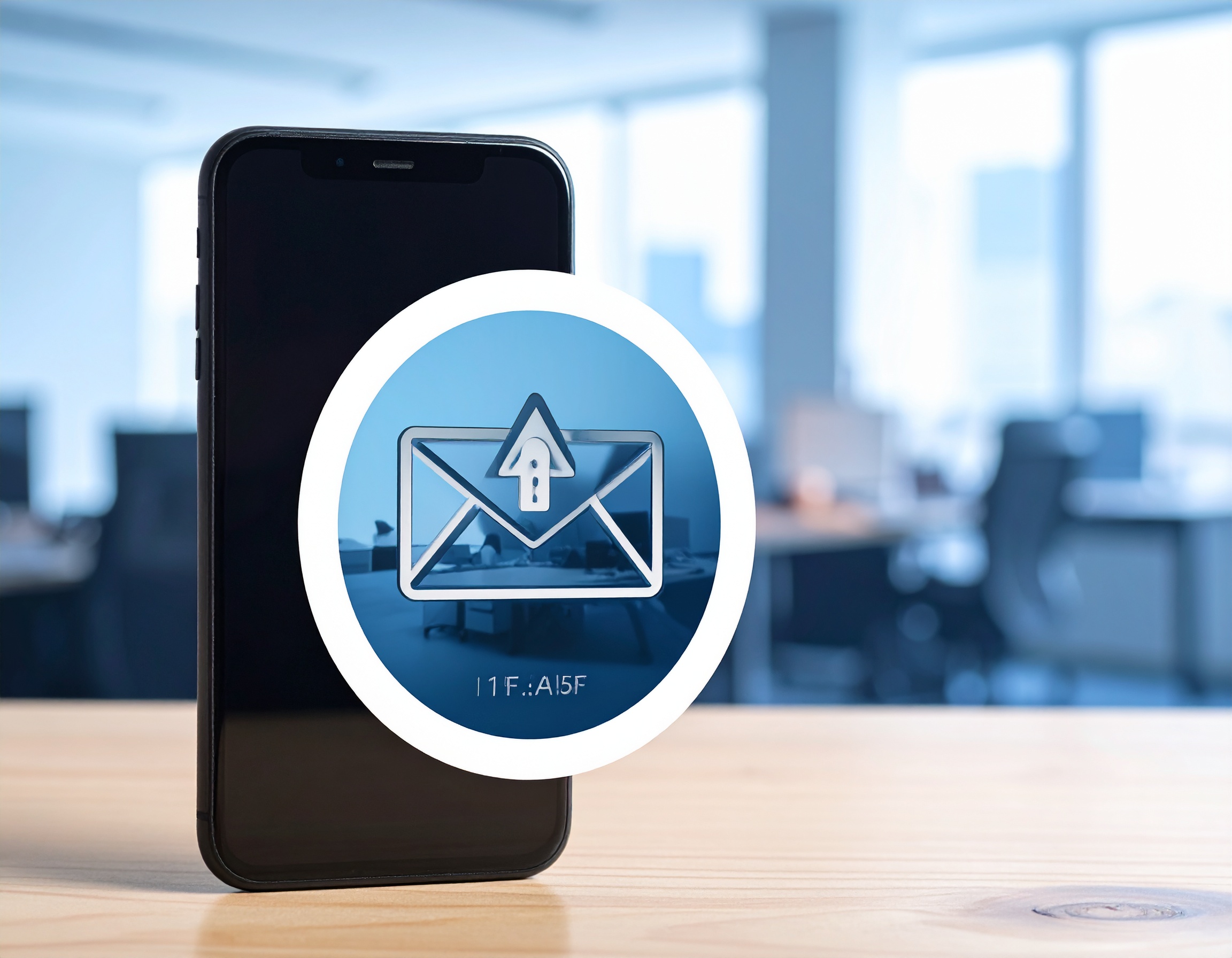
Remote and hybrid work normalized employees checking email, accessing files, or joining calls from personal phones, tablets, and home computers — often with no security oversight from the business at all. This "shadow IT" surface is one of the most common and least monitored risk areas for SMBs today.
Why it matters. A personal device with no endpoint protection, an outdated operating system, or a shared family login represents an entry point into company data that IT has no visibility into and no ability to secure directly.
The common blind spot. Businesses often have solid security controls on company-issued laptops, then have no policy at all — formal or informal — governing whether email or company data can be accessed from personal devices, and no way to enforce basic protections (like screen lock or remote wipe) if one of those devices is lost or compromised.
Recommended actions:
Book a free 30-minute discovery call. No pressure, no jargon — just a straight conversation about where your business stands today.
Schedule a Discovery Call
.svg)
Engineering-led managed IT and cybersecurity for regulated businesses in the Inland Northwest.
Our Social Links


Copyright © 2026 Khartek LLC.

